Automation ROI: How to Measure the Impact of AI
Measure AI and automation impact using a simple five-bucket ROI model that translates operational improvements into business value.
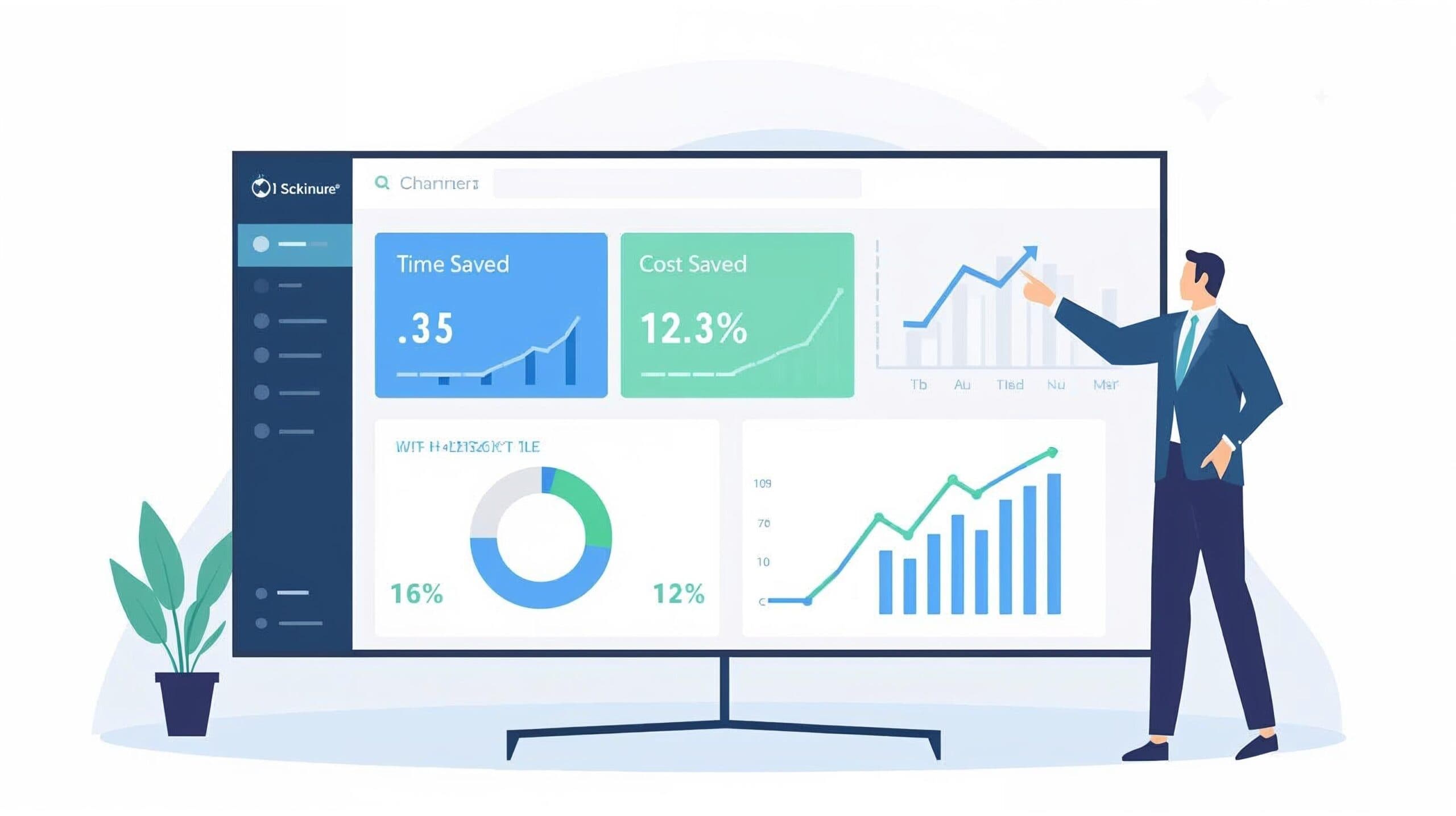
Why ROI is the real "conversion engine" for AI
You cannot scale AI in operations without demonstrating measurable impact. Leadership will eventually ask critical questions about time savings, cost reduction, and payback periods.
Research findings show that:
- Automation leaders achieve approximately 22% average cost reduction in targeted processes, compared to 8% for laggards.
- Top performers can exceed 30% savings when workflows are redesigned around automation rather than simply patching existing processes.
- Benefits also include faster cycle times, fewer errors, and higher satisfaction — but only if measured systematically.
ROI serves as the translation layer between "we have interesting AI initiatives" and "we freed 3 FTEs of capacity and reduced invoice cycle time by 70% with a 10-month payback."
The 5 building blocks of automation ROI
Most automation ROI appears in five categories:
1. Time & cost savings (efficiency)
Measure baseline time per unit, new time per unit after automation, and volume processed.
Formula: Hours Saved = (Baseline Time - New Time) × Volume
Convert to cost by multiplying by fully loaded hourly rate (salary, benefits, overhead).
Example: automating invoice capture reduces data entry and correction time substantially per transaction.
2. Speed & throughput (productivity)
Even without headcount reduction, speed improvements drive value:
- Faster onboarding accelerates revenue realization
- Faster approval cycles reduce bottlenecks
- Faster support responses increase customer satisfaction and reduce churn
Measure cycle time before versus after, and SLA compliance percentages.
3. Quality & error reduction
Manual data work produces errors. Automation can reduce error rates by up to 70% in data entry and reconciliation.
Formula: Error Cost Reduction = (Baseline Errors - New Errors) × Cost per Error
Track error rates before and after implementation, and calculate the cost per error including rework and potential external costs.
4. Capacity & cost avoidance
Organizations often handle more volume without proportional headcount increases. Measure output per FTE before versus after, and calculate:
Cost Avoided = Number of FTEs not hired × Fully Loaded Cost
This is crucial in ROI discussions: "We absorbed growth without adding proportional staff."
5. Risk, compliance & experience
Harder to quantify but strategically important:
- Reduced compliance risk through consistent processes and audit trails
- Lower manual data handling errors for sensitive information
- Higher employee and customer satisfaction
Measure compliance incidents, CSAT/NPS changes, and employee sentiment surveys.
A simple 4-step ROI model for one AI workflow
Step 1: Define the unit and the baseline
Select a processing unit (ticket, invoice, onboarding, approval, etc.) and capture:
- Monthly/quarterly volume
- Average time per unit
- Error or rework rates
- Fully loaded cost per FTE
This baseline work aligns with the Arios Intelligence Framework's process inventory and prioritization phases.
Step 2: Estimate the post-automation state
For your proposed workflow, estimate:
- New time per unit or percentage reduction
- Expected automation rate (units with minimal human touch)
- New error rate
- Volume handleable without new hires
Use conservative estimates to maintain credibility.
Step 3: Quantify benefits
Calculate across four categories:
- Time/cost savings — Hours saved × hourly rate
- Error reduction — Reduced errors × cost per error
- Capacity & cost avoidance — FTEs avoided × fully loaded cost
- Other benefits — Cycle time improvements, compliance benefits, satisfaction metrics
Step 4: Compare against total cost
Include implementation, licenses, infrastructure, change management, and ongoing maintenance.
Calculate:
- Net benefit (Year 1) = Total Benefits - Total Costs
- ROI % = Net Benefit / Total Costs × 100
- Payback period = Total Costs / Monthly Net Benefit
Most organizations target 1-2 year payback for automation, with many smaller initiatives achieving payback in under a year.
A quick example (invoice processing)
Baseline
- 4,000 invoices/month
- 10 minutes per invoice (manual entry + checks)
- Total time = 667 hours monthly
- Fully loaded cost = $60/hour
Post-automation
- 80% of invoices auto-processed
- Time per invoice drops to 3 minutes average
- Error rate drops from 3% to 0.5%
Calculations
Time/cost savings:
- Hours saved = (40,000 - 12,000) / 60 = 467 hours/month
- Cost savings ≈ $336,000/year
Error reduction:
- 100 fewer problematic invoices monthly
- Additional savings ≈ $60,000/year
Total annual benefit ≈ $396,000
If all-in annual cost is $200k:
- Net benefit ≈ $196k/year
- ROI ≈ 98% in Year 1
- Payback under 12 months
KPIs you should track for AI workflows
Time & efficiency
- Hours saved per month/quarter
- Time per transaction (before vs after)
Automation & volume
- Percentage of volume handled automatically
- Transactions per FTE
Quality & risk
- Error/exception rate
- Compliance incidents and audit findings
Speed & service
- Cycle time (end-to-end)
- SLA adherence percentage
Experience & adoption
- Employee satisfaction scores
- Customer CSAT/NPS
- Adoption rate of AI tools
Formalize this through governance dashboards and roadmaps that use metrics to prioritise future automation waves.
Common ROI mistakes to avoid
- No baseline — always capture rough baseline numbers before going live.
- Headcount fantasy — clarify whether you're achieving cost reduction, cost avoidance, or capacity gains.
- Ignoring change management — training, communication, and process redesign costs are real.
- Chasing only hard savings — cycle time, compliance, and experience improvements drive strategic value.
- No ongoing measurement — treat ROI as continuous, reviewing metrics every 2-4 weeks.
How AIF turns ROI into a habit
ROI is embedded throughout the methodology:
- Phase 2 — Process Inventory & Prioritization — scoring models identify high-ROI candidates.
- Phase 4 — Workflow & Solution Design — define KPIs and success metrics before building.
- Phase 5 — Implementation & Iteration — measure success rate, exception rate, cycle time, and override rate through pilots.
- Phase 6 — Governance, Measurement & Continuous Improvement — KPI dashboards and ROI reports drive ongoing automation roadmap decisions.
Conclusion
If you cannot measure it, you cannot scale it. For every AI or automation initiative, answer these questions:
- How much time did we save?
- How much capacity did we free up or avoid hiring?
- How much did we reduce errors and risk?
- How did this impact customers and employees?
- What was the total cost and payback period?
With a simple, transparent ROI model and appropriate KPIs, AI in operations becomes "indispensable" rather than merely "interesting."
Frequently asked questions
How do you calculate automation ROI?
Automation ROI is usually calculated by comparing the value of time saved, errors reduced, revenue recovered, and capacity gained against the cost to build and operate the automation.
What is a good first KPI for AI automation?
Hours saved per week is often the best first KPI because it is easy to understand, easy to verify, and can be translated into dollar value using the hourly cost of the people doing the work today.
How quickly should automation pay for itself?
The best first automation projects should show measurable value within weeks or a few months, especially when they target high-volume workflows like intake, triage, reporting, follow-up, or data entry.